
First Day of School, Bookstore Edition
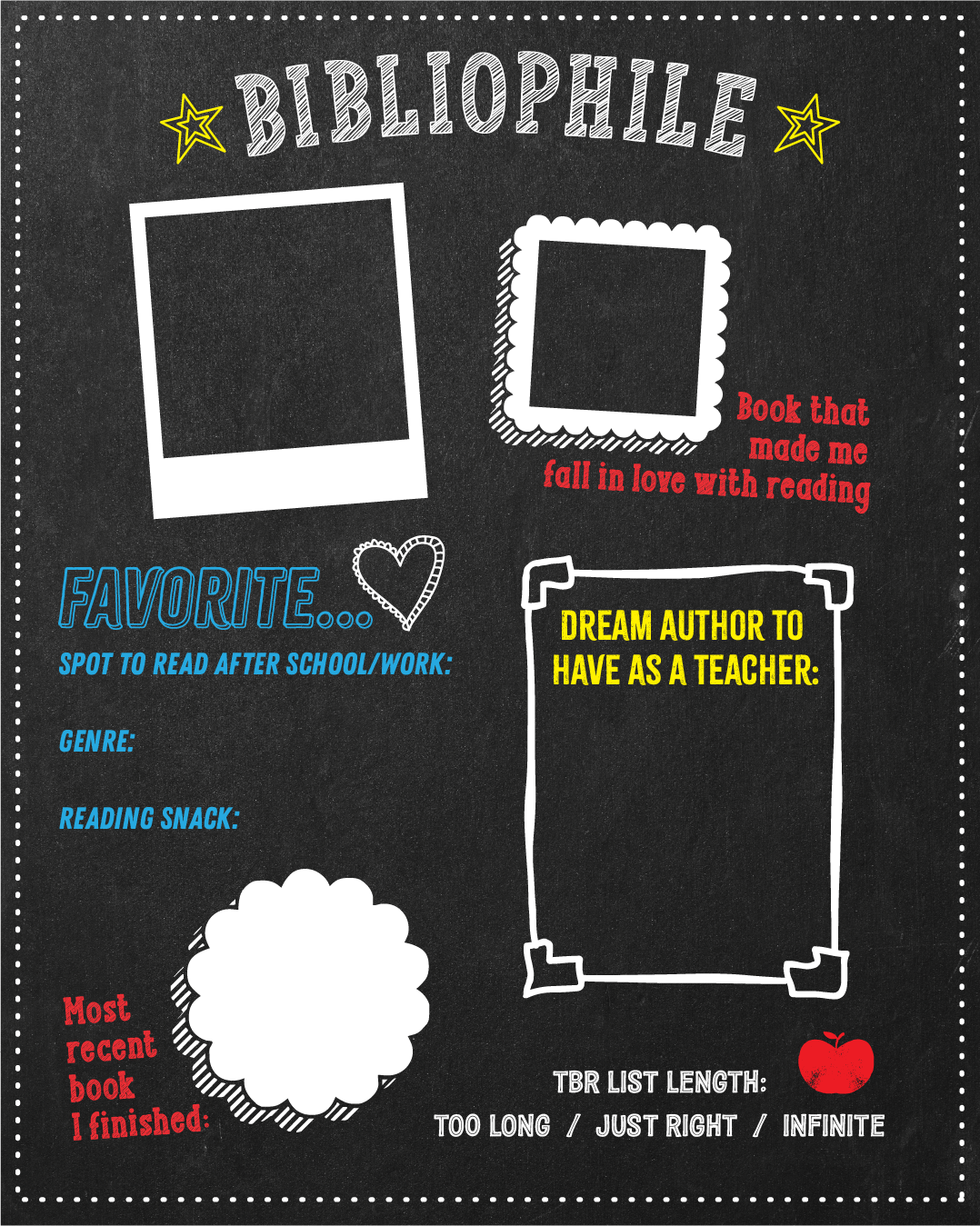
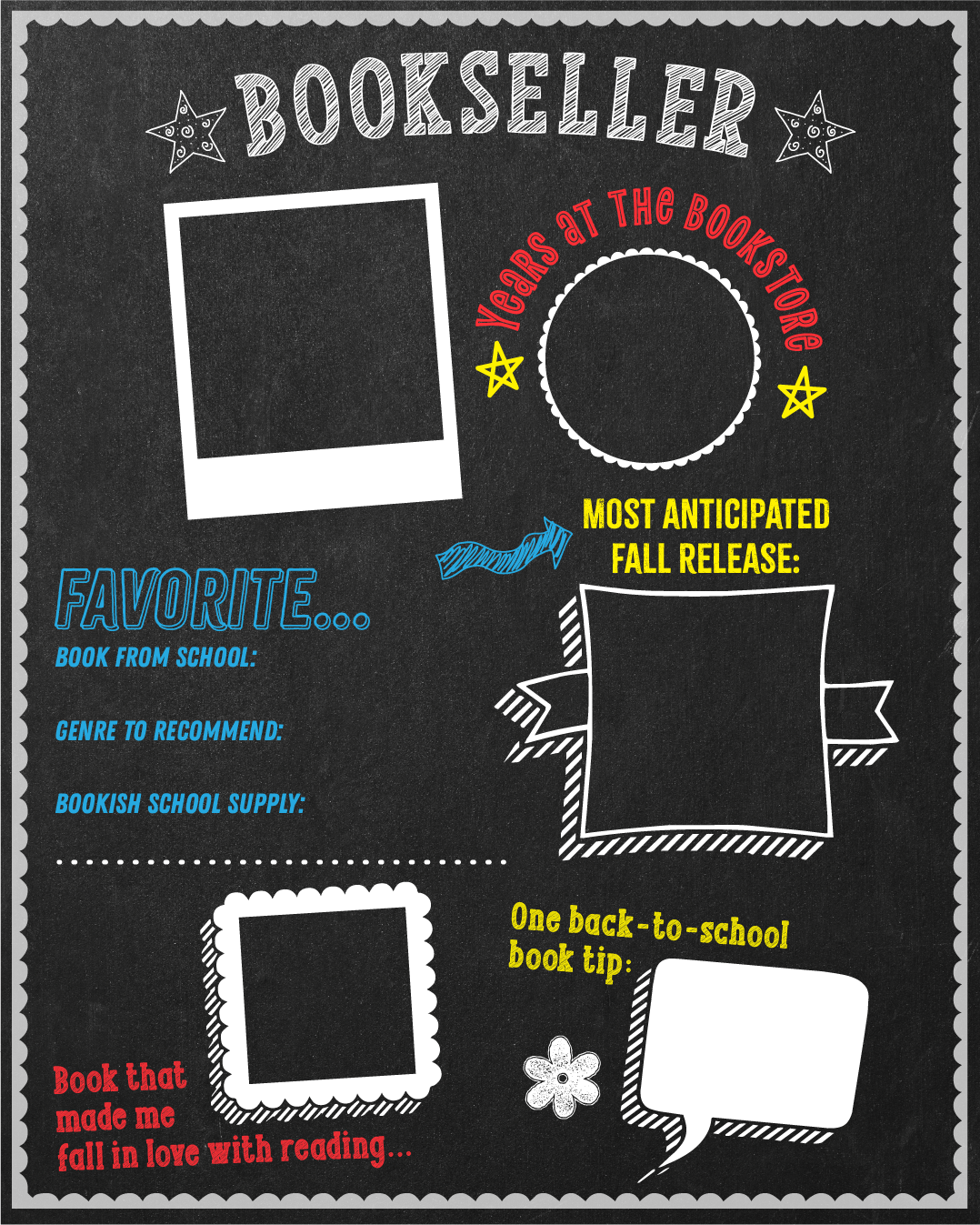
First day of school, but make it bookish. Repurpose these chalkboard templates and have your store and readers celebrate the start of their Back to School season! Whether there are printed ‘chalkboards’ in store or shared on social media, customers (and the store’s booksellers) can join the Back to School festivities!
#BackToBooks2026
Customizing our asset templates using Canva:
-
Open your free Canva account or create one.
-
Click on ‘Create’ and choose size of the graphic (Instagram Post 4:5 for example)
-
In the left toolbar, click ‘Uploads’ > ‘Upload files’ and select downloaded asset
-
Once asset is uploaded, click the graphic to add to the canvas area, then drag corners to fit.
-
To add your customizations, use the tools on the left side to add:
-
Your copy under ‘Text’
-
Photos, shapes and other graphics under ‘Elements’
-
Your own photos or other graphics under ‘Uploads’
-
-
Position, enlarge, rotate to your liking!
-
Once you’re finished, click ‘Share’ in the upper right corner, then click ‘Download’ at the bottom of box. File saves a PNG file, ideal for sharing on social media.
First Day of School, Bookstore Edition
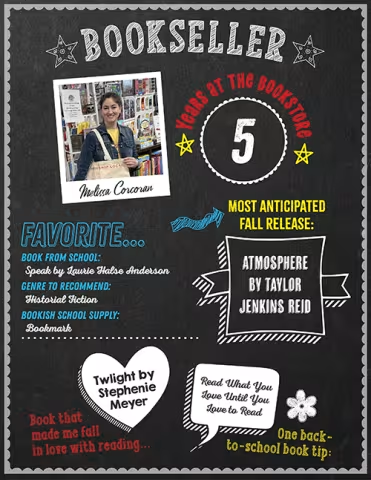
First day of school, but make it bookish. Repurpose these chalkboard templates and have your store and readers celebrate the start of their Back to School season! Whether there are printed ‘chalkboards’ in store or shared on social media, customers (and the store’s booksellers) can join the Back to School festivities!
#BackToBooks2026
Customizing our asset templates using Canva:
-
Open your free Canva account or create one.
-
Click on ‘Create’ and choose size of the graphic (Instagram Post 4:5 for example)
-
In the left toolbar, click ‘Uploads’ > ‘Upload files’ and select downloaded asset
-
Once asset is uploaded, click the graphic to add to the canvas area, then drag corners to fit.
-
To add your customizations, use the tools on the left side to add:
-
Your copy under ‘Text’
-
Photos, shapes and other graphics under ‘Elements’
-
Your own photos or other graphics under ‘Uploads’
-
-
Position, enlarge, rotate to your liking!
-
Once you’re finished, click ‘Share’ in the upper right corner, then click ‘Download’ at the bottom of box. File saves a PNG file, ideal for sharing on social media.